From “I have an idea” to “people are paying for it.”
In twelve weeks.
Not a best case. Not a cherry-picked story. The path.
Watch how Rychee turns your ambition into real products, real infrastructure, and real revenue — with AI doing the coding.

The Loop
Specify → Constrain → Build with AI → Verify → Ship
This is the universal workflow you’ll use for everything. Every module teaches it. Every project uses it. It becomes muscle memory.
Step 1: Specify — Write What You Want(plain language)
You write what you want to build — in plain language. Not code. Not technical diagrams. Just clear thinking:
The spec template guides you:
- ✓Goal and target user
- ✓Acceptance criteria (how do I know it's done?)
- ✓Non-goals (what am I NOT building?)
- ✓Constraints (must work on mobile, must use Stripe)
This is where product thinking lives.
Step 2: Constrain — Set the Boundaries
Before AI writes a single line of code, you define the box:
- Scope:"Only booking and calendar. No payments in v1."
- Safety:"No storing sensitive health data."
- Budget:"Must deploy within AWS free tier."
- Timeline:"Shippable in one week."
Constraints prevent AI from hallucinating a 50-feature monster when you need a focused tool that solves one pain.
Step 3: Build with AI — Direct, Don't Code
You direct AI agents to build — in small, verifiable pieces:
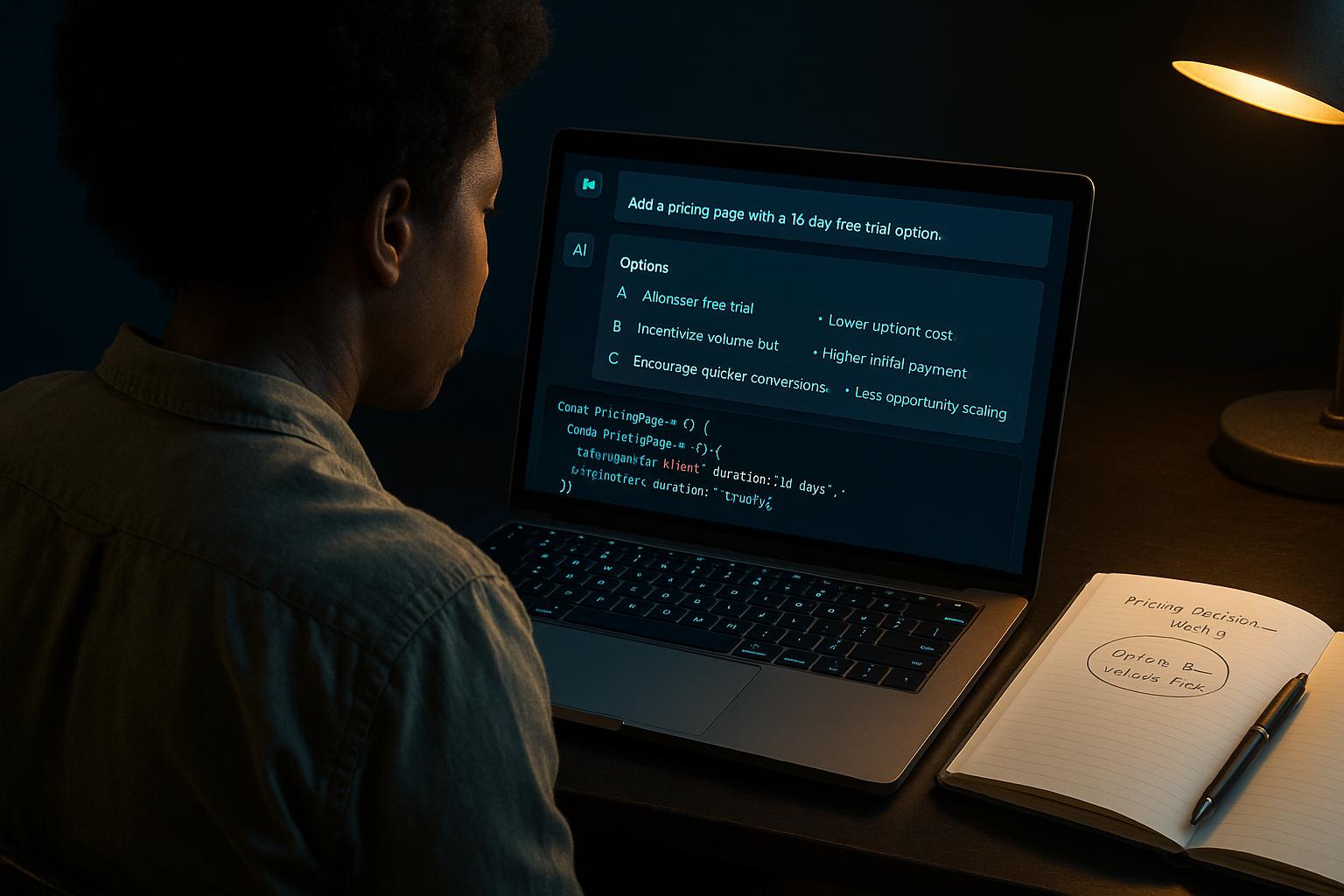
I've built the form. Here's what I created:
— Date picker with available slots
— Email confirmation via AWS SES
— Mobile-responsive design
Should I walk you through the verification steps?
Small tasks. Clear requests. Verified outputs.
The AI writes code. You manage the process.
Step 4: Verify — Check Before You Ship
Before anything goes live:
- •Does it do what the spec says?
- •Do edge cases work? (What if two people book the same slot?)
- •Is it secure? (No leaked API keys, no SQL injection)
- •Does it work on mobile?
- •Does it handle errors gracefully?
Verification discipline is the moat.
Anyone can ask AI to write code. The skill is knowing whether what AI produced is actually correct and safe.
Step 5: Ship — Deploy and Iterate
One deployment command. Product is live.
- ✓Real URL on your domain
- ✓Running on AWS infrastructure you understand
- ✓Metrics dashboard tracking real usage
- ✓Ready for real users and real feedback
Then: gather feedback, analyze data, ship v2.
The loop starts again. Every iteration makes you faster.
What a typical week looks like
Monday
45 min
Spec + Plan
Review last week's metrics. Define this week's shipping goal. Write the spec. Set constraints.
Tue–Thu
3–4 hrs
Build + Verify
Direct AI to build. Verify outputs. Test edge cases. Iterate until the spec is met.
Friday
1–2 hrs
Ship + Distribute
Deploy. Run the shipping checklist. Create 2 content pieces. Share what you shipped.
Weekend
30 min
Reflect + Plan
What broke? What improved? What's the next iteration? Update your builder log.
Total: ~6–8 hours/week (adjustable to your pace)
Watch the loop in 90 seconds.
Demo video coming soon
90-second walkthrough: idea → spec → AI build → verify → deploy